
Layers is an object tree that shows a list of all drawings placed on chart. The drawings in the object tree can be distributed into different groups which allows you to manage the drawings as a single set of objects: Hide/Show, Lock/Unlock editing, and so on.
Open Layers by clicking the icon on the Toolbar at the top-center of the chart window.
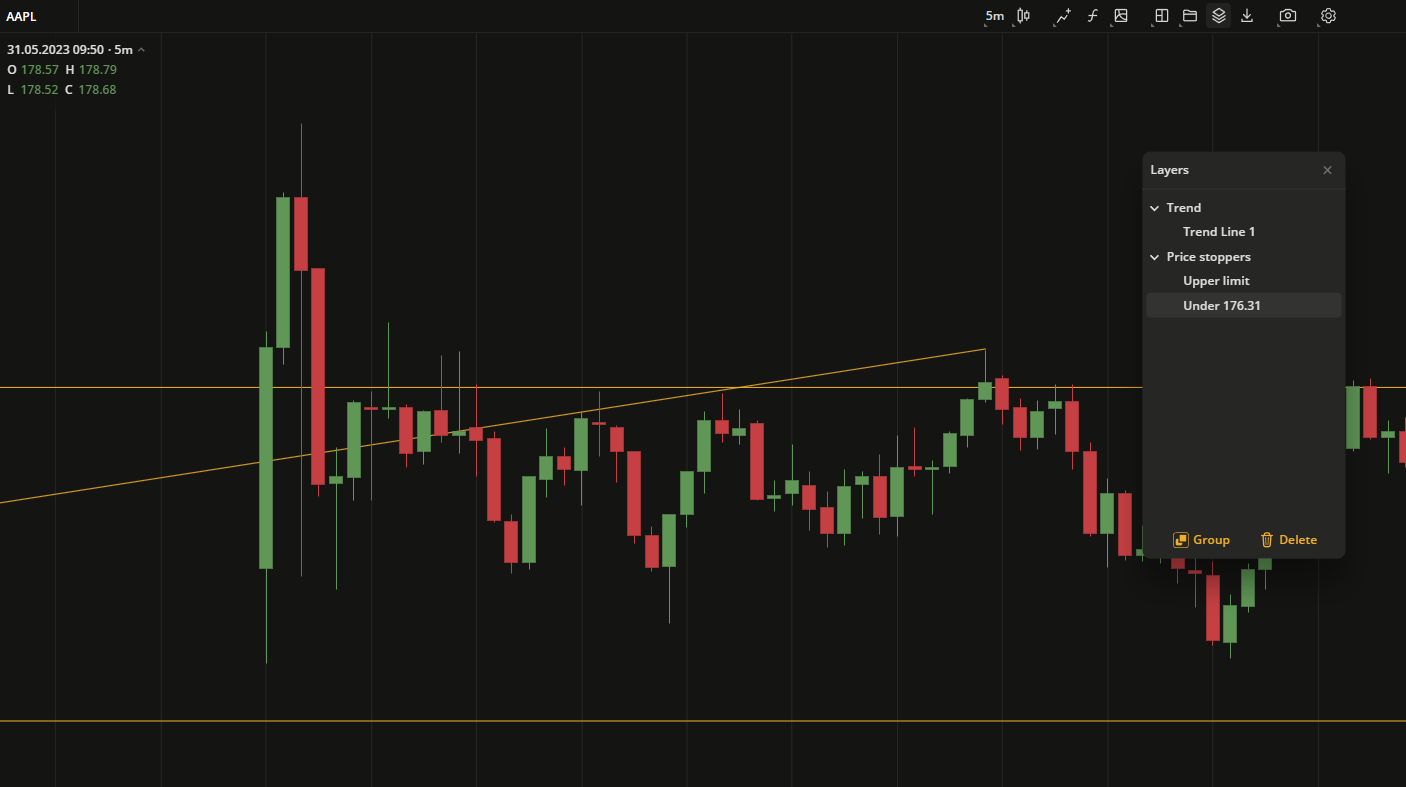 Layers
Operations in the Layers box
- Create a group by clicking
 at the bottom of the box.
- Delete an item or a group by clicking
 at the bottom of the box.
- Drag and drop:
- Move the items inside of the box between groups.
- Change the order of items in the tree.
- Rename an item or a group by double-clicking its title.
- Hide/Show items or groups by clicking
 next to its title.
- Lock/Unlock items or groups to prevent them from editing by clicking
 next to its title.