
Return to Now is an on-chart button that appears when the user browses historical chart data and returns the chart view to the current moment in time or, if the instrument is not being traded, to the most recent moment in time when the instrument was "live".
To use the Return to Now button, move the chart back to the historical data, and an arrow-shaped button  will appear in the right-hand corner of the chart. Click this button to move to the current moment in time.
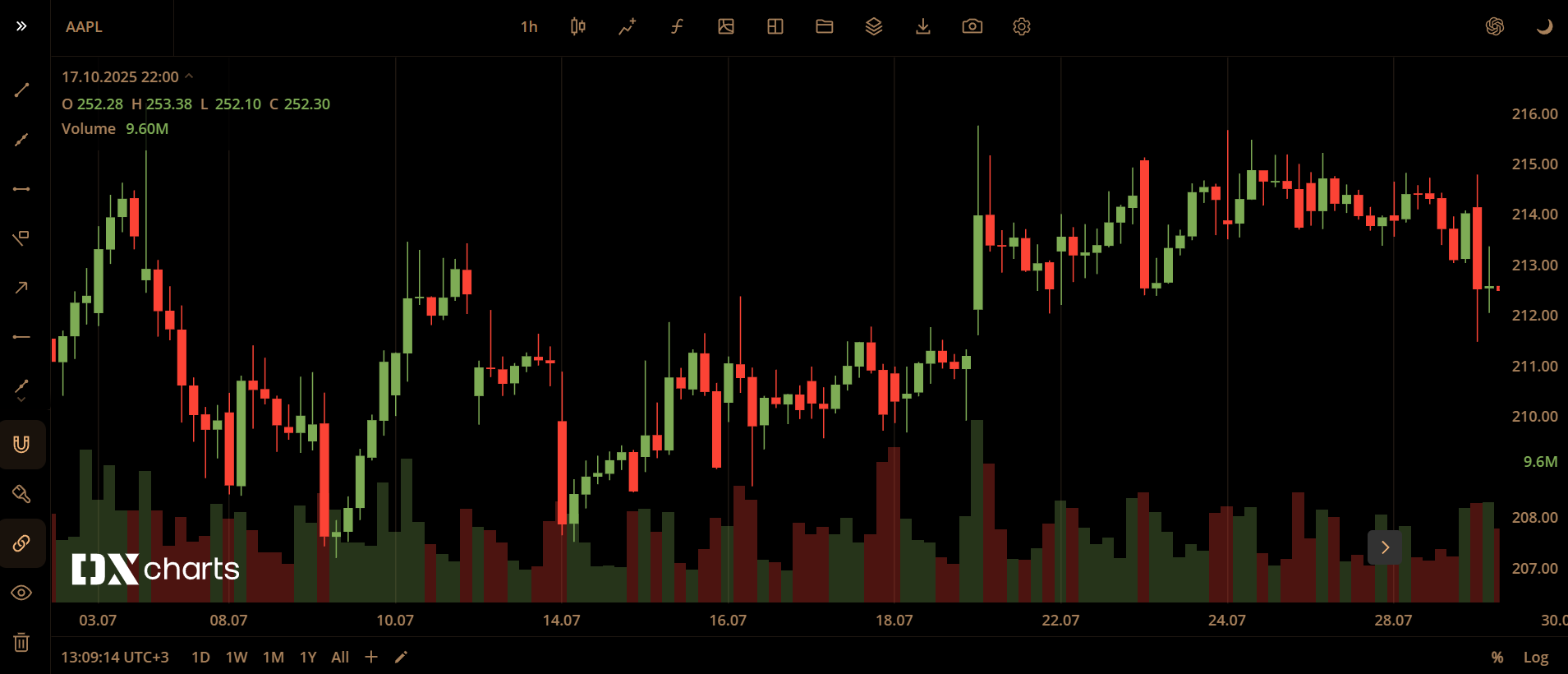
Return to Now button on chart